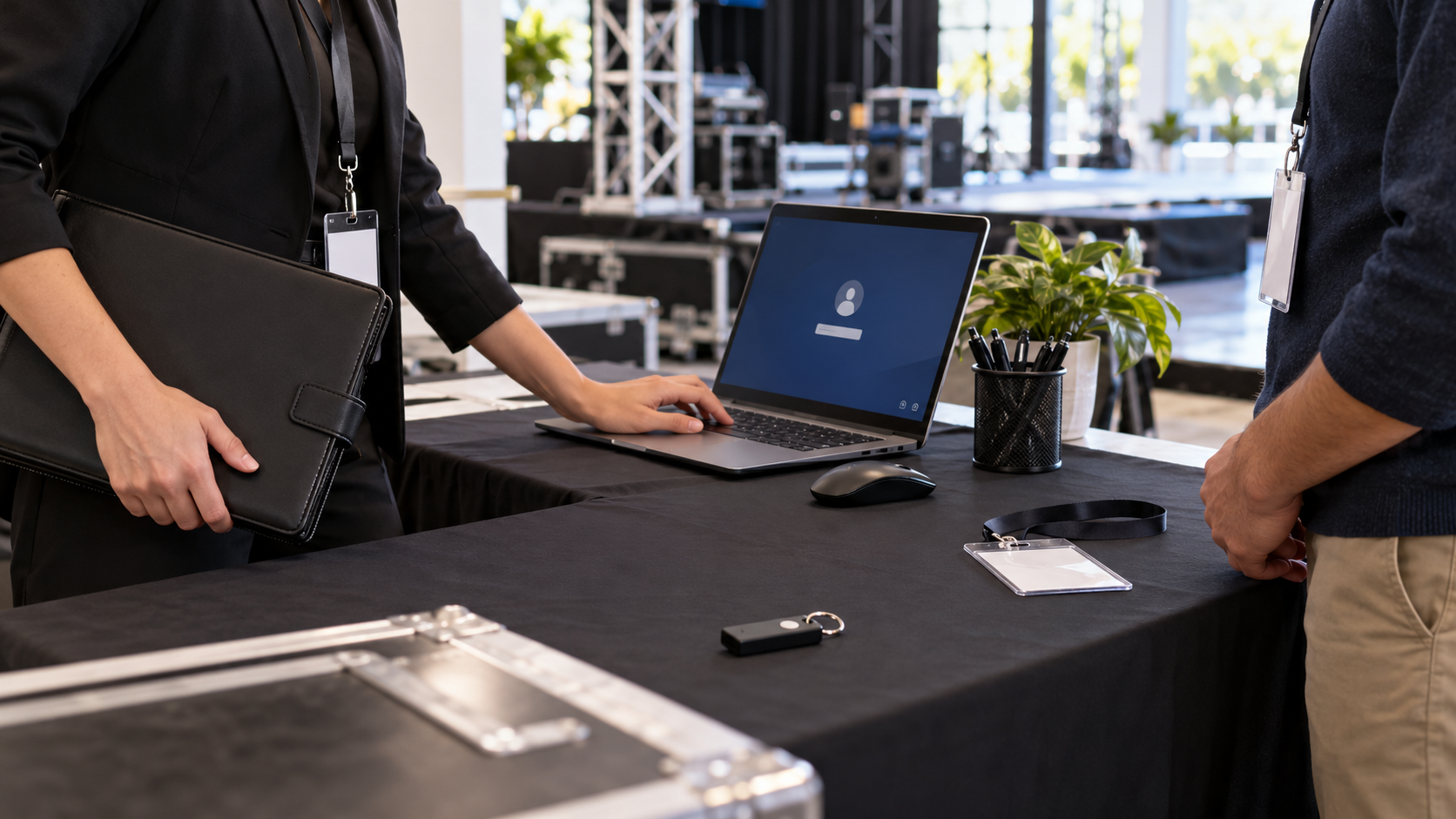
Protect the local copy without overstating control
A guest at a venue can inherit access through an unlocked Windows session, remembered browser login, recent-file list, print queue or locally available sync folder. Use a separate guest session and close event records before sharing the computer.
An event planner prepares a fictional vendor-contract package on an approved Windows production laptop, tests the relevant layer and keeps the working source separate.
Run the control sequence
- 01
Identify the staff Windows account that owns the sync client.
- 02
Create or verify a restricted guest workflow without vendor folders.
- 03
Sign out of Dropbox web sessions and close local contract applications.
- 04
Test recent files, search, print queues and offline folders from the guest state.
- 05
Record the hand-back check before the staff session resumes.
Preserve decision evidence
Record device, staff profile, guest method, sync-client state, exposed locations, test result and hand-back owner.
Stop when
- A staff session is handed directly to a guest.
- Vendor files appear in recent items or search.
- The guest method can reach the synced folder.
Keep secrets and unnecessary vendor data out of the decision record.
Separate local and provider controls
PC-side folder access is not provider-side encryption, Dropbox account recovery, sharing-link control, MFA, permission bypass, guaranteed backup or full-device security.
Local sync questions
Does local folder access control the Dropbox account?
No. Dropbox permissions, links, MFA, sessions and recovery remain provider controls.
Is sync an independent backup?
No. Test a separately stored recovery copy outside the same account and device failure domain.
Primary references
References support specific boundaries and do not imply endorsement.